
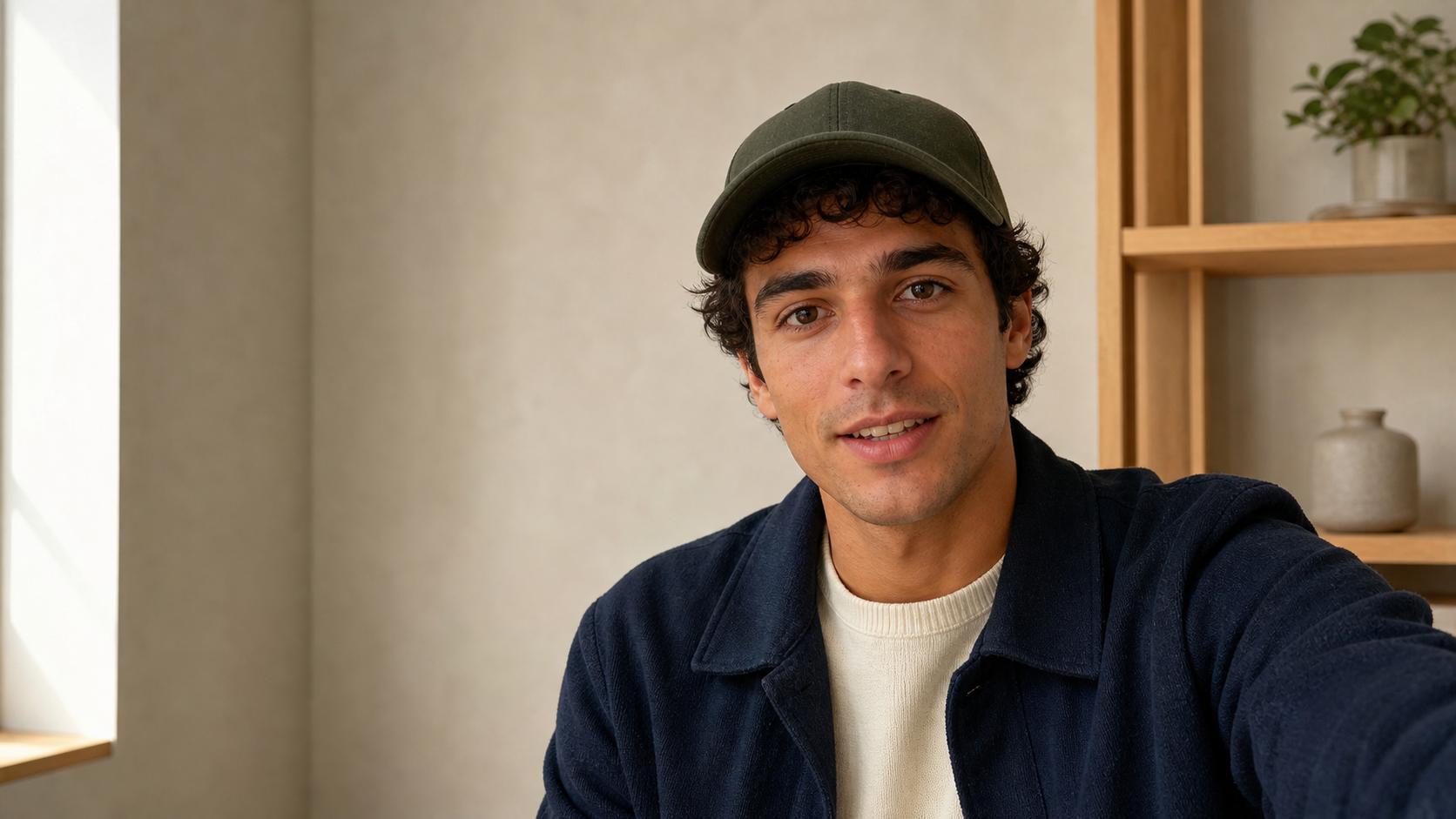
Synced from the ChatCut Skill catalog · Updated September 2, 2026
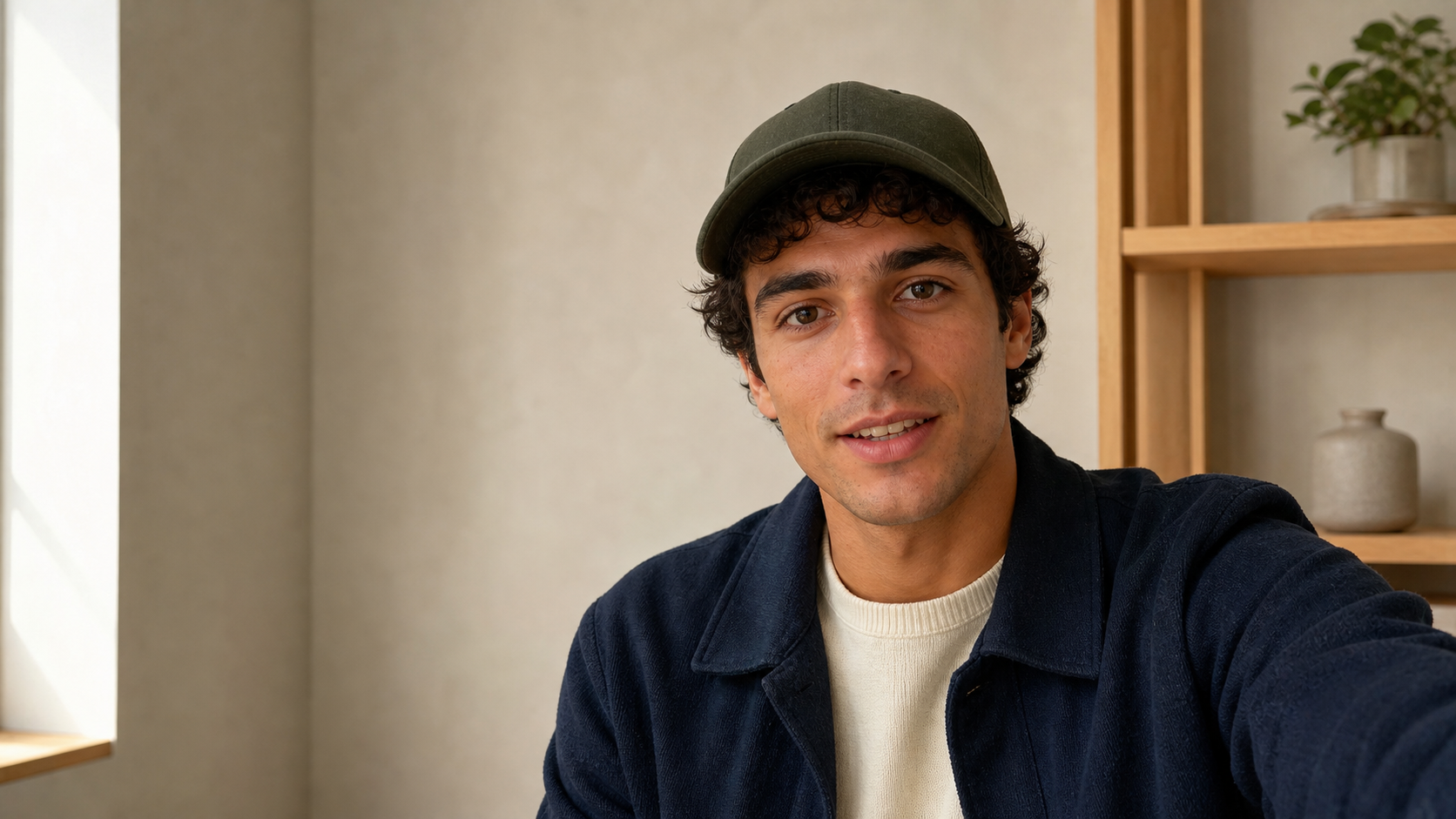
Enter a script, choose a avatar and voice, and generate a natural presenter video. Revise it without reshooting.
What this Skill does
Create reusable script- or audio-driven AI presenter footage and optionally turn it into a finished video. Use when the user wants a digital-human presenter, AI avatar video, virtual spokesperson, talking photo, no-reshoot marketing message, course lesson, training update, announcement, or product introduction. Delegate avatar identity, voice, consent, generation, retry, and verification mechanics to the digital-human skill.
Use this Skill when
The user wants an approved script, audio source, topic, lesson, announcement, or product message delivered by an AI presenter or digital human, with optional post-production into a finished video.
What the package contains
- 7 workflow steps
- The ordered procedure the agent works through, from the material you hand it to the finished timeline.
- 7 operating rules
- Constraints it holds to along the way, so the result stays predictable instead of drifting mid-edit.
- 5 quality checks
- What it verifies before calling the work done — the pass you would otherwise run yourself.
- 4 defined inputs
- The footage, references, and decisions this workflow expects from you up front.
How to run it
Open this Skill in ChatCut and it loads into the project you are working in. From there you describe the job in your own words — the Skill supplies the procedure, so you do not have to spell out each step, and you can redirect it at any point without starting over.
Changelog
Updated September 2, 2026 — synced from the ChatCut Skill catalog. No revisions recorded before this one.




Commenting is not open yet. Until it is, tell us how you use this Skill in Discord.