What is an AI video generator?
A tool that creates video clips from a text prompt, an image, or reference frames. ChatCut's is built inside a video editor, so each generated clip lands on your timeline instead of in a downloads folder.
Can I generate videos from text?
Yes. Describe the subject, motion, lighting, and camera moves, and Seedance 2.0 generates the shot. Text-to-video works well for B-roll, product shots, scene inserts, background visuals, and social clips.
Can I turn an image into a video?
Yes. Upload a still, whether a product photo, a brand asset, or a frame you like, describe the motion you want, and ChatCut animates it into a clip.
What is first-and-last-frame generation?
You set the opening frame and the closing frame, and Seedance 2.0 generates the motion between them. It's the most controllable way to get transitions, product angles, and shots that match footage already on your timeline.
Which AI video model does ChatCut use?
Seedance 2.0, for text to video, image to video, and first and last frame, all inside ChatCut. Generated clips land on the timeline ready to trim, caption, and export.
Can I edit the clip after it's generated?
Yes. Every clip lands in your media pool and on the timeline, ready to trim, caption, voice, and score. No import, no round-trip.
What aspect ratios and lengths can it make?
9:16, 1:1, and 16:9 at several lengths, so the same idea fits a Reel, a YouTube video, or a billboard.
How is ChatCut different from other AI video generators?
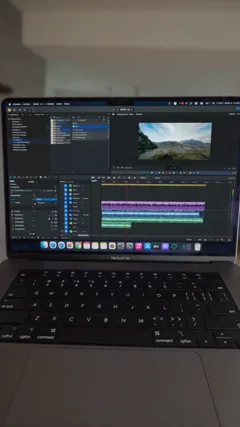
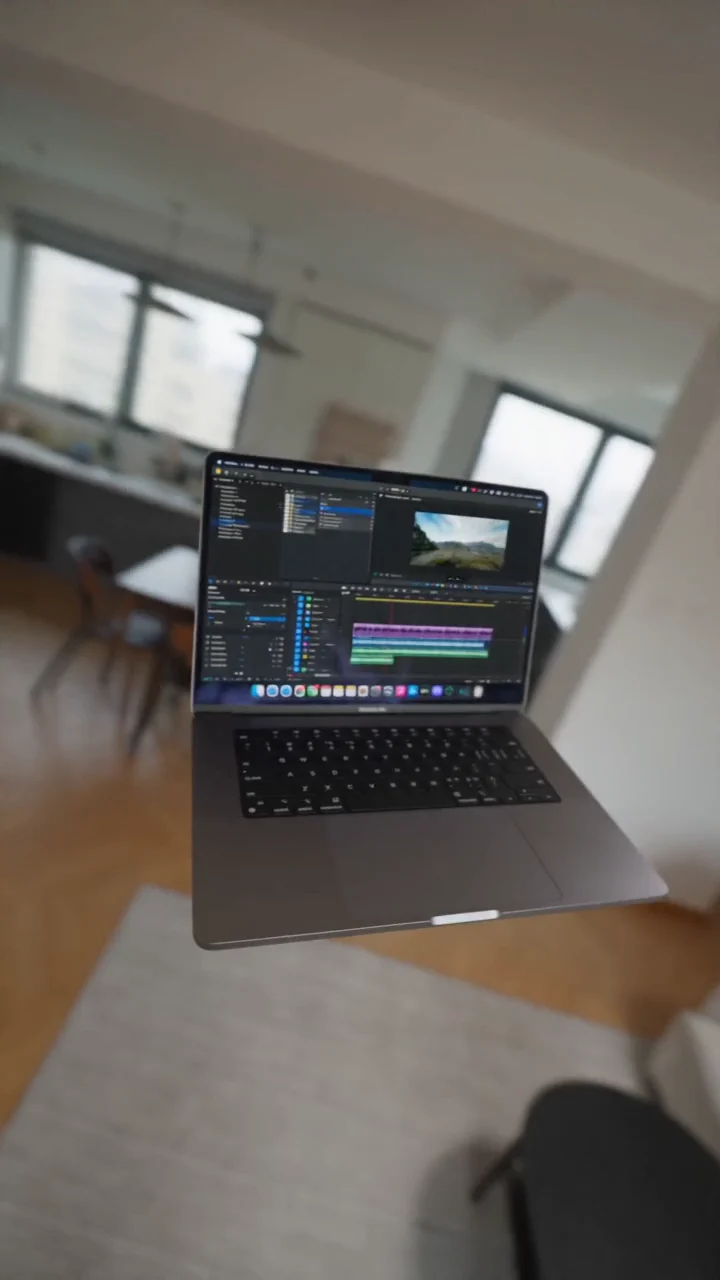
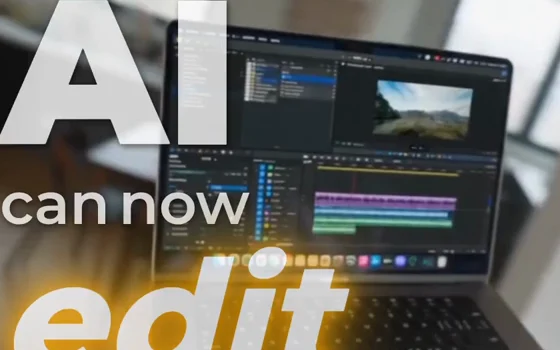
Most generators hand you a standalone clip to download and edit somewhere else. ChatCut generates inside the editor, so you trim the clip, caption it, layer graphics and music, and export the finished video without leaving the workspace.
Where can I use ChatCut?
On your desktop, inside Codex or any agent, or in any modern browser. Generation and long renders run in the cloud, and your projects save there too, so the same edit is on every surface.