Seedance 2.5 is live Limited-time offer: up to 51% off, from just $0.046/sec
Upgrade Now

Add effects to your video

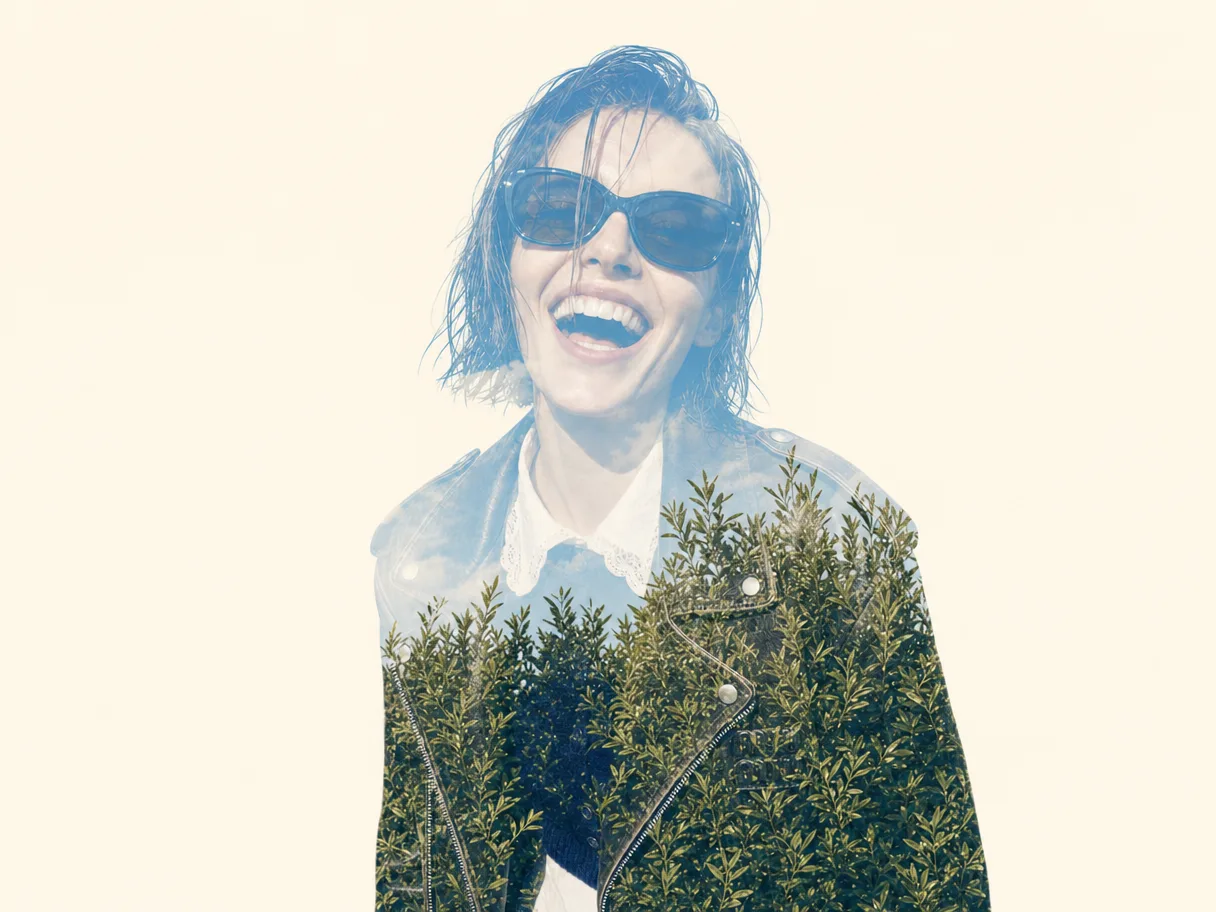
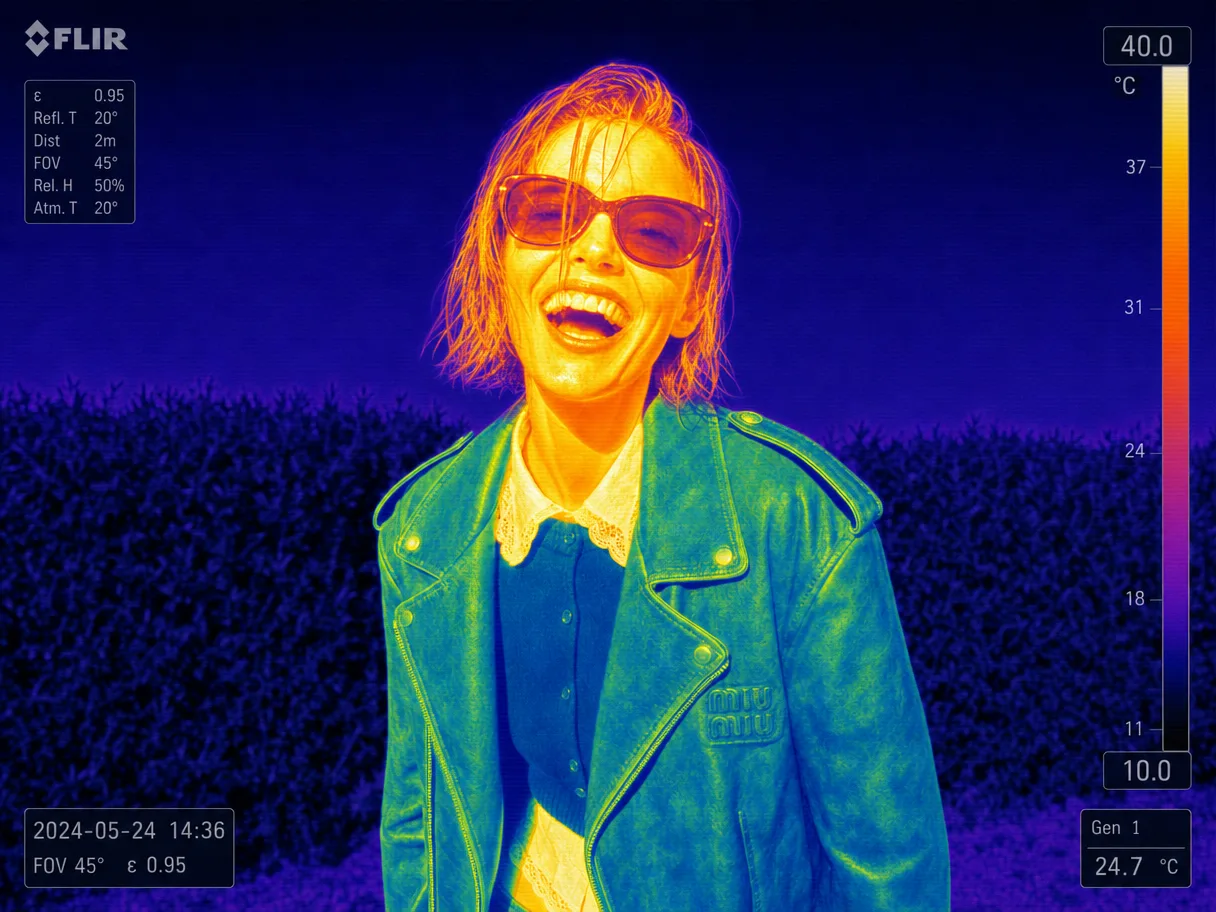
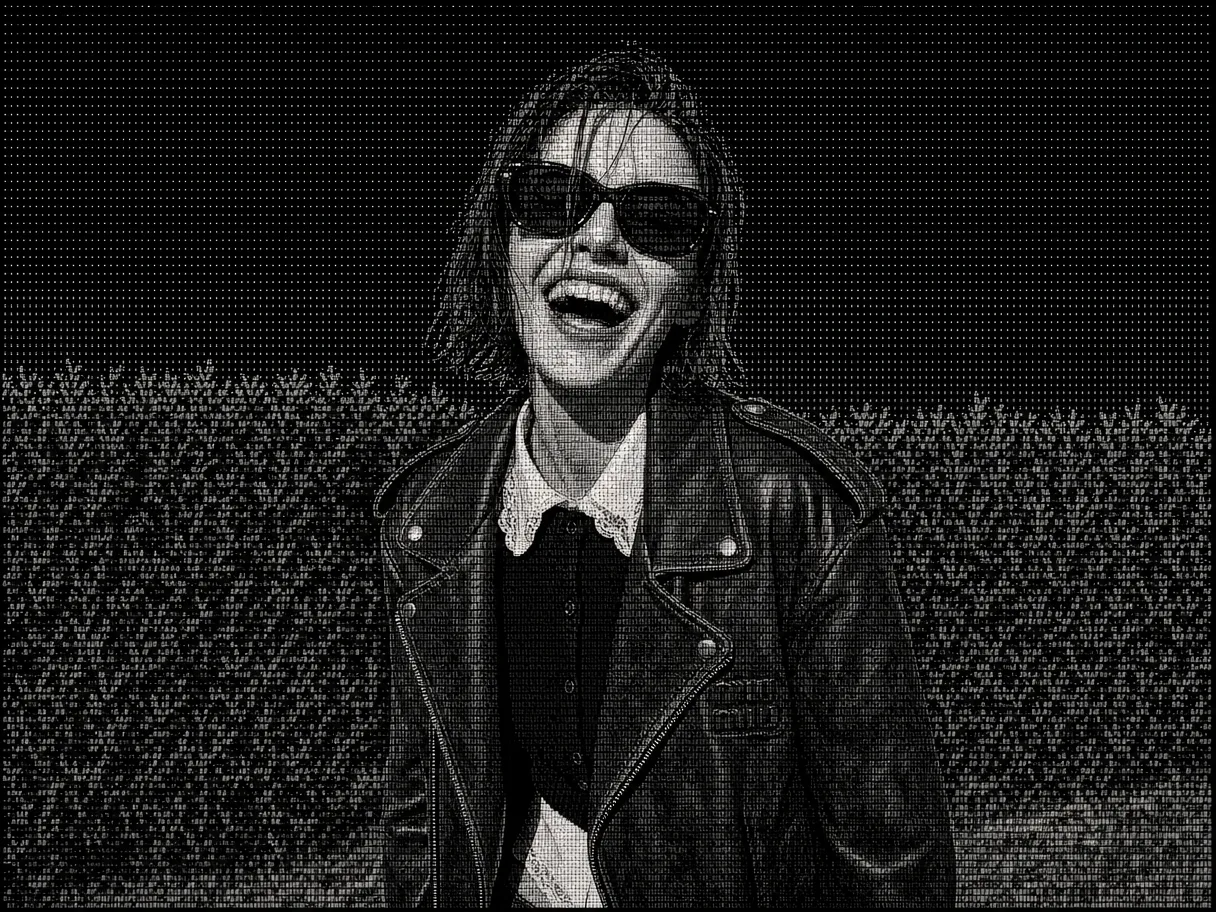
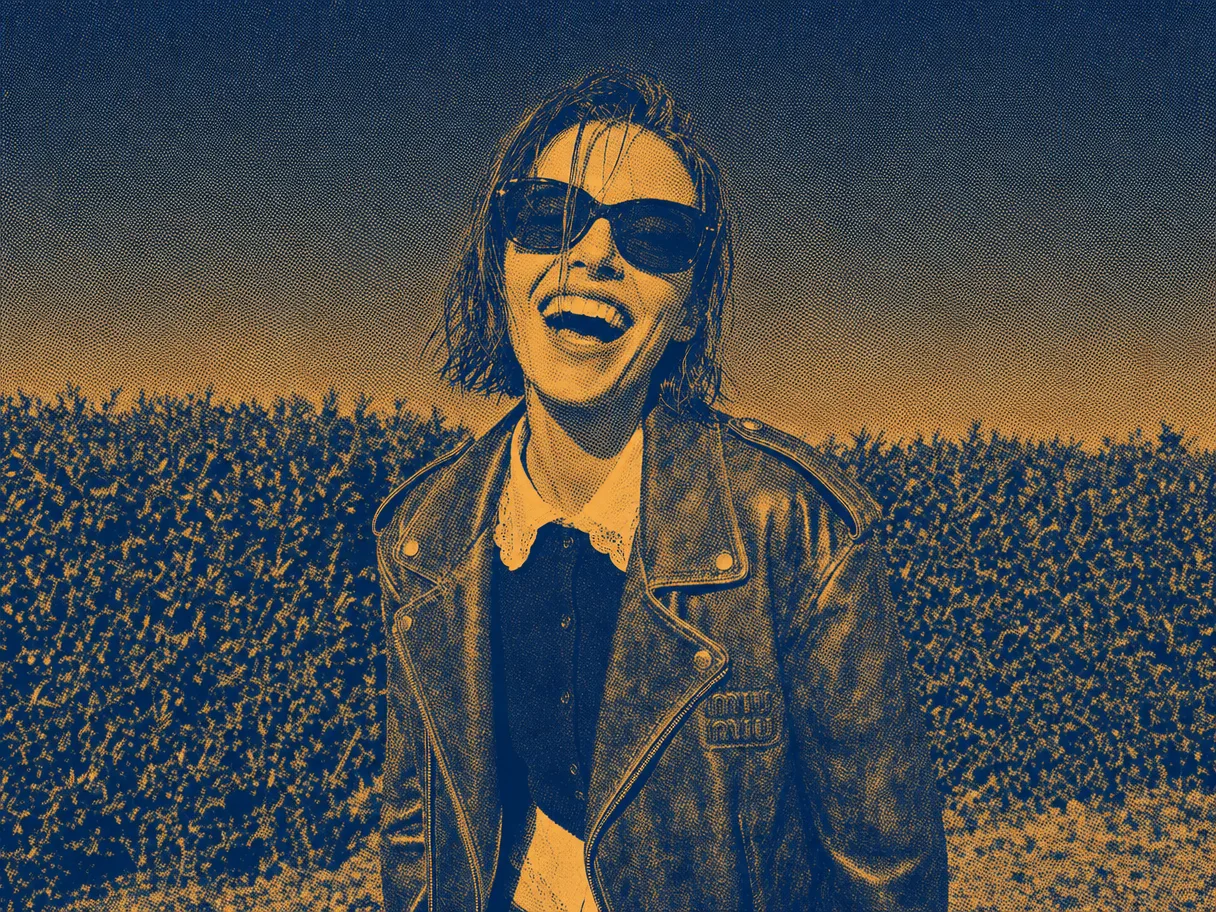
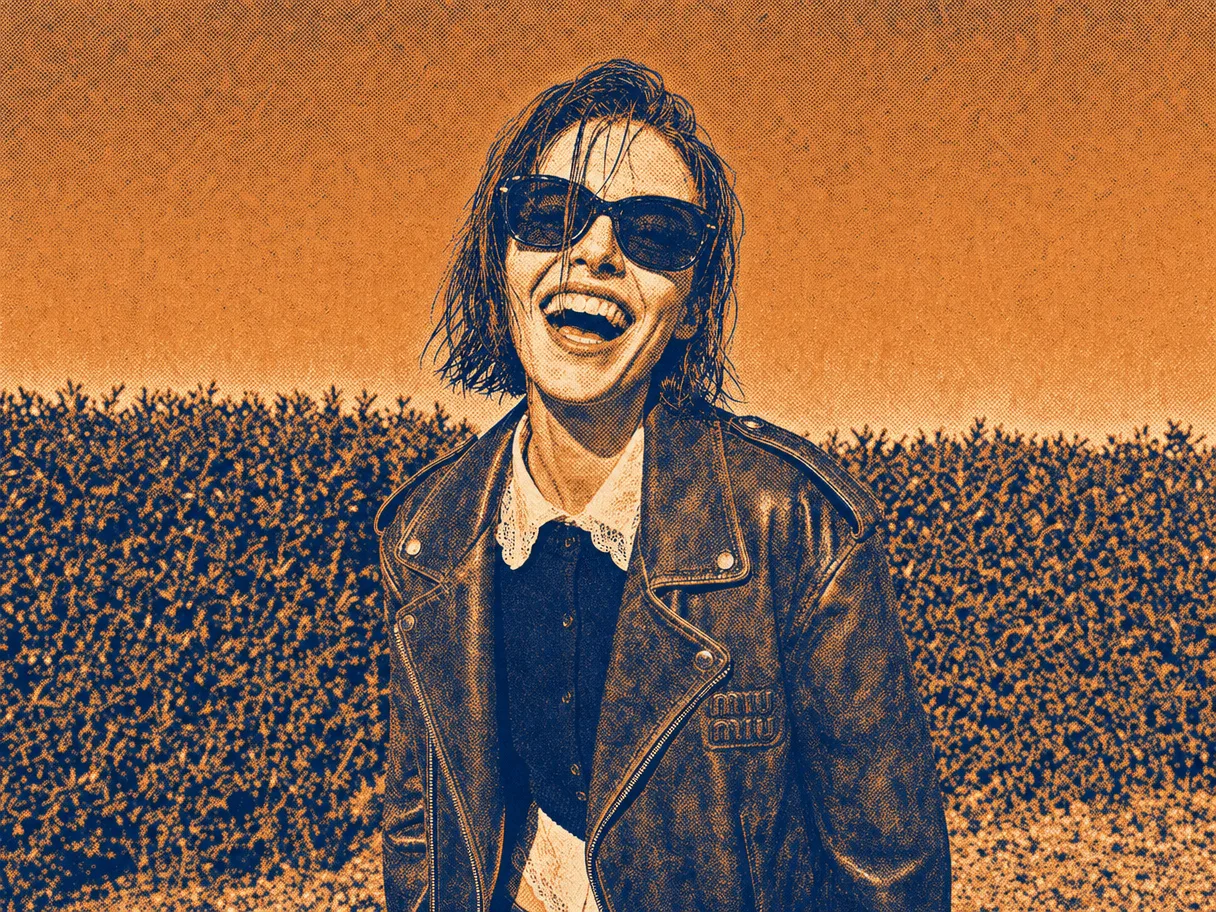
Drag any look straight onto the footage — film grades, double exposure, thermal cam — and ChatCut applies it to the whole shot, locked through every edit after.

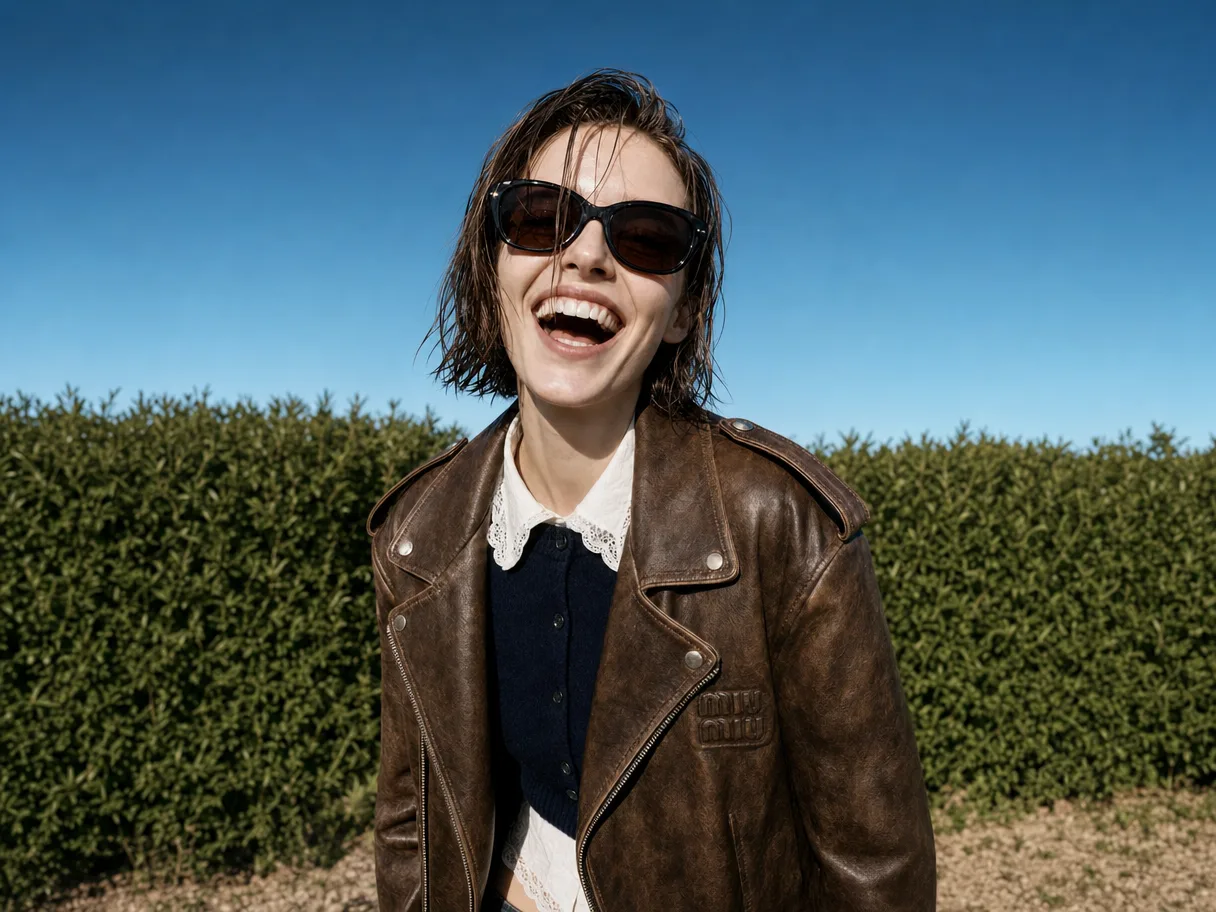
A laughing model in a leather jacket in front of a hedge — the original shot The same shot as a double exposure, foliage blended through the portraitThe same shot as a thermal camera image with a FLIR-style overlayThe same shot as grainy black-and-white print halftoneThe same shot as an indigo-and-orange halftone duotone printThe same shot as a warm amber halftone duotone print

How to add an effect in ChatCut

Four steps from raw footage to a finished look: drop the clip in, build the effect — by agent or by hand — and send it out as video or an XML your NLE can open.

AI video effect generator, describe it and it exists

AI video effect generator,describe it and it exists

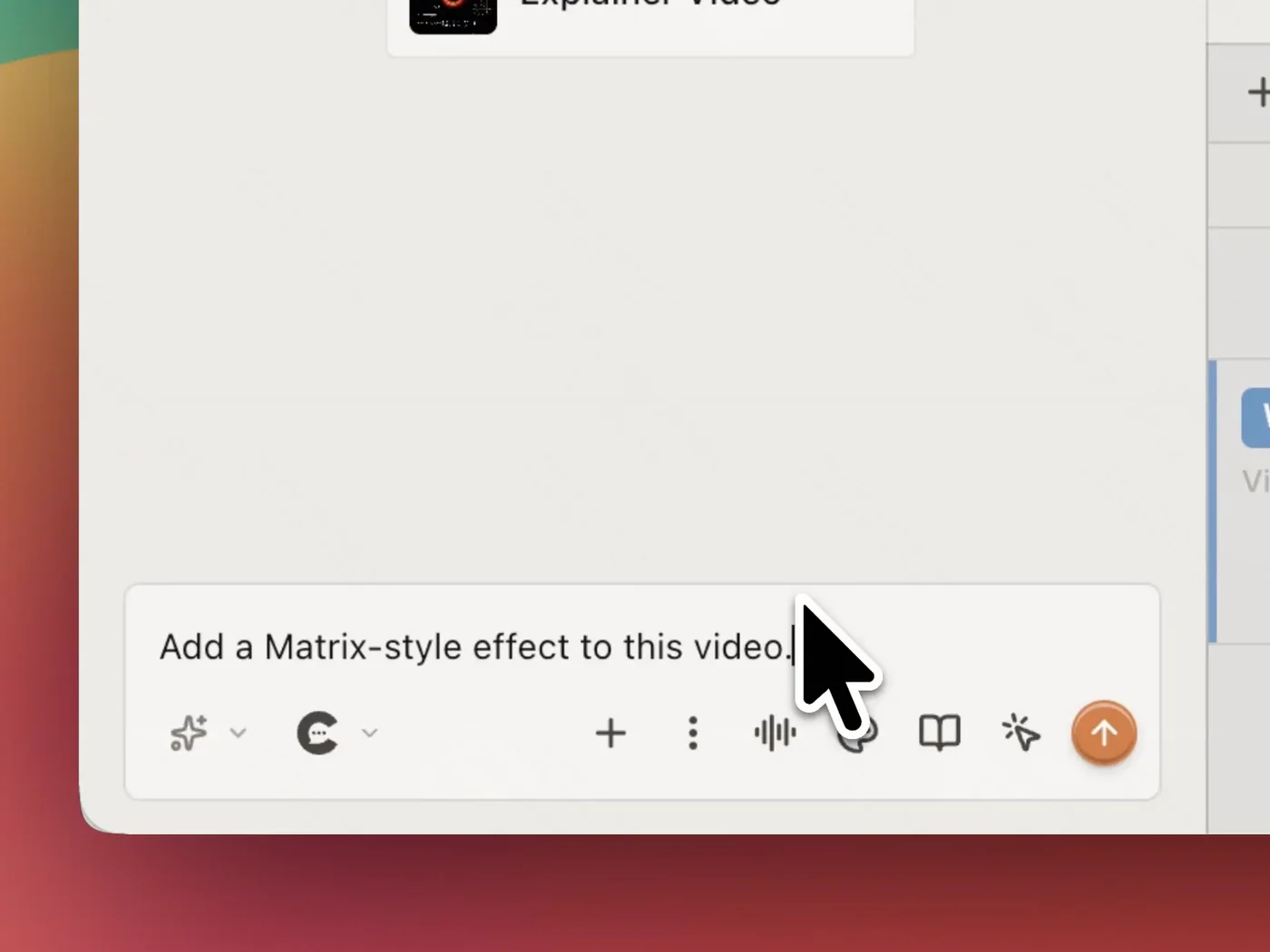
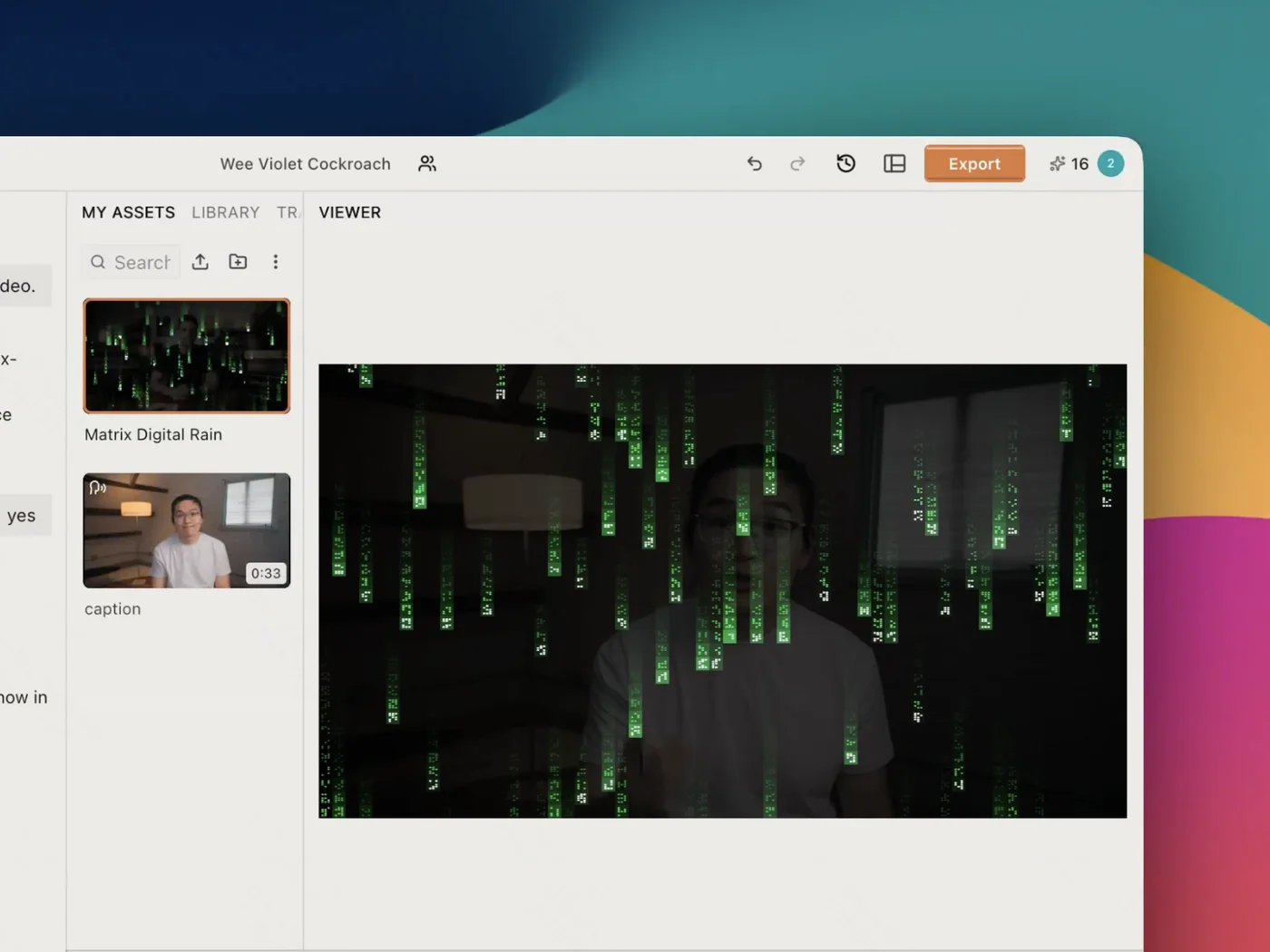
Type the look you're after — Matrix rain, a teal-orange grade, a glitch — and ChatCut writes the shader for it. You're never held to the presets someone else shipped.

On your real footage, not a regenerated clip

On your real footage,not a regenerated clip

The effect is a shader over your actual pixels, not a fresh clip from a video model. Your framing, your face and your timing all come through untouched.

A full effects library, masks, blurs, LUTs and more

A full effects library,masks, blurs, LUTs and more

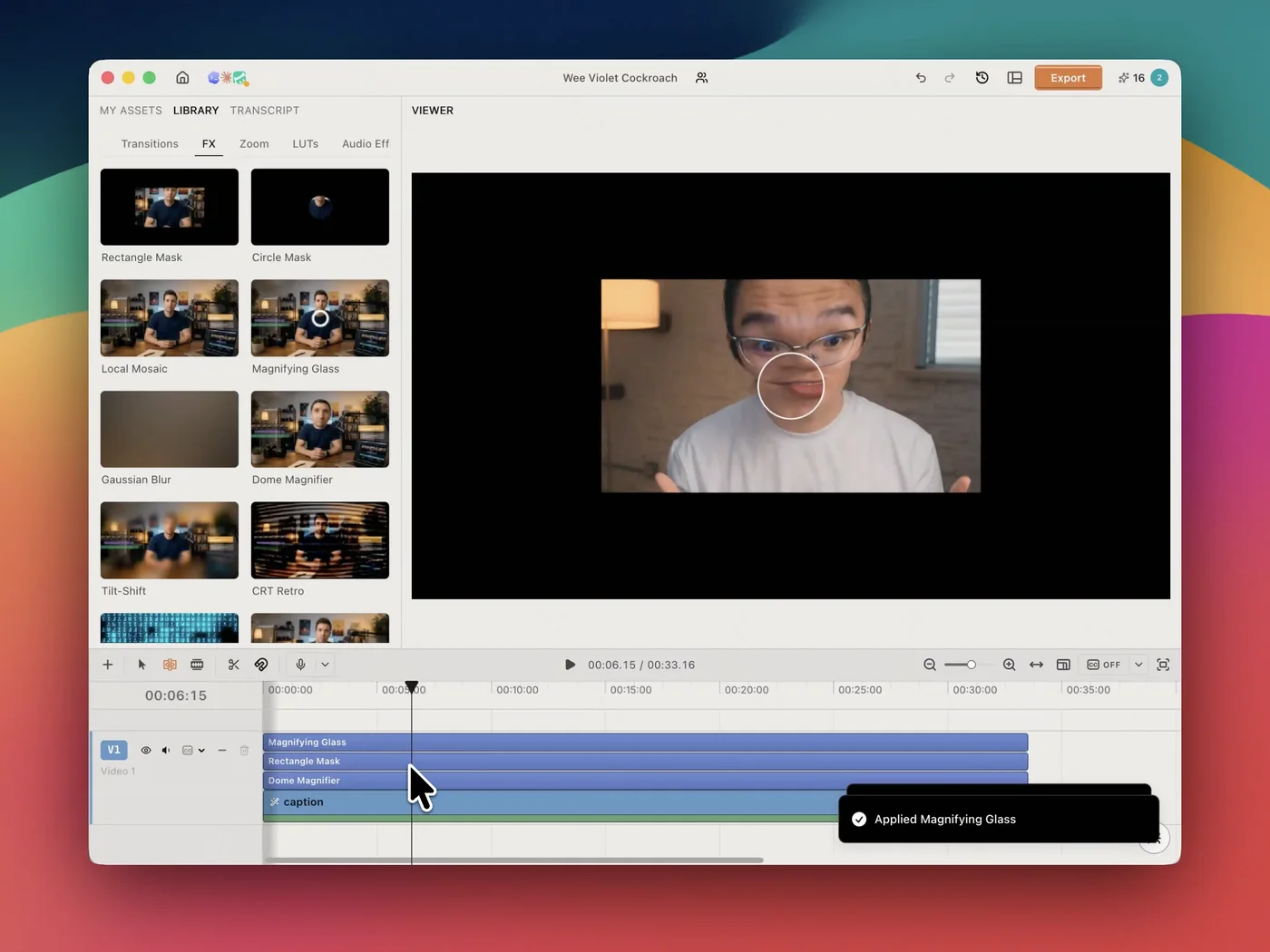
Open the FX tab for masks, mosaics, magnifiers, blurs, tilt-shift and CRT retro — plus zoom, transitions and built-in LUTs when you just want a colour grade.

Every effect lands right on your timeline

Every effect landsright on your timeline

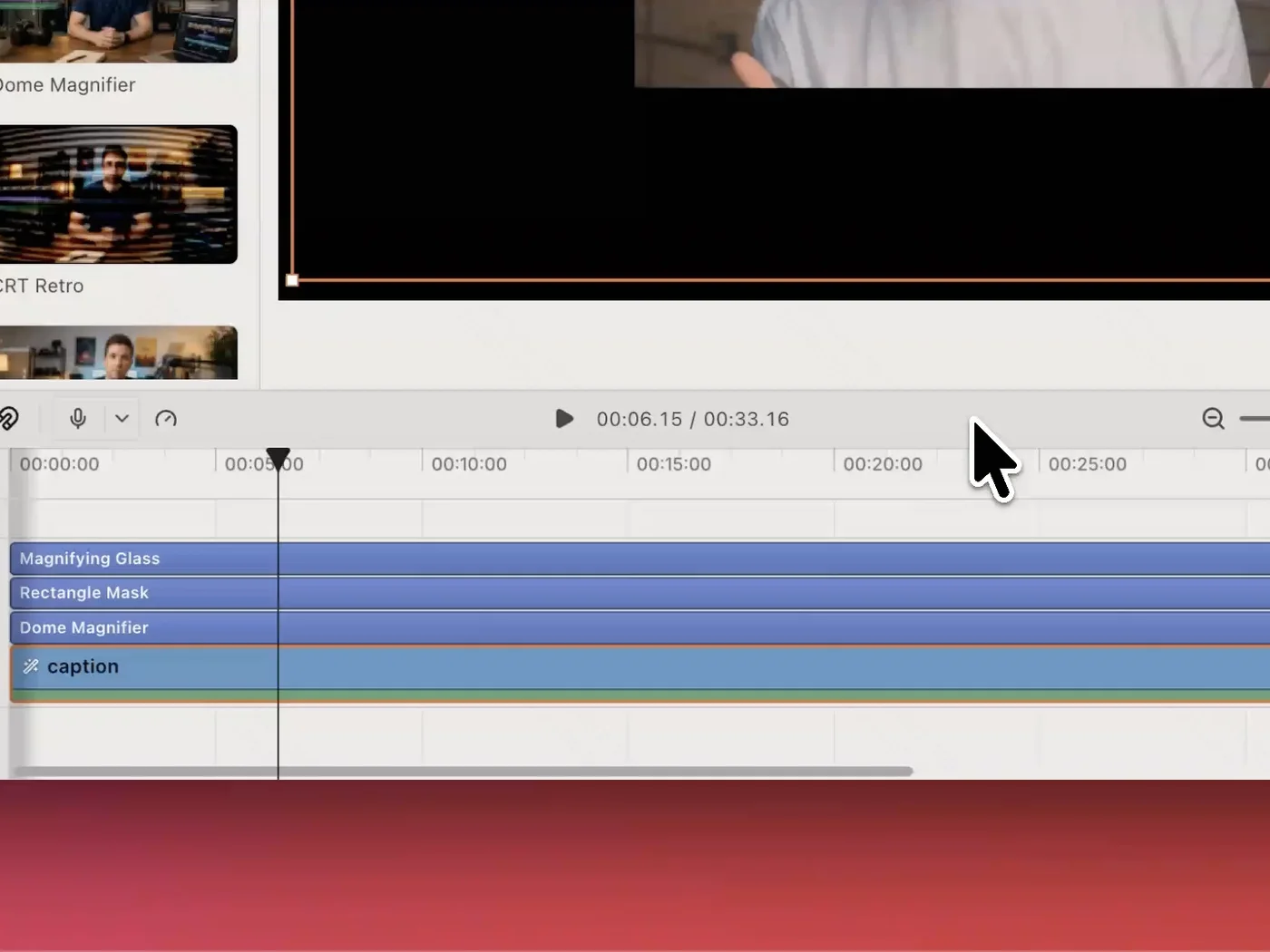
Effects stack as real tracks you can trim, reorder and retime. Re-cut the video later and every effect stays where you put it, right through to export.

All your tools,
on one timeline

Generate clips, edit on a real multi-track timeline, and layer effects that survive the re-cut. Create, edit, and finish a video on desktop, in Codex or any agent, or in the browser.

Check out other features

Effects are one layer of many. The same chat drives the cut, the captions, the graphics, and the mix.

Subscribe to get your superhuman AI video editor

$25 /month

Billed monthly

100 credits / month

Get started
  • Seedance 2.5 (up to 263s of video)
  • Seedance 2.0 (up to 357s of video)
  • Kling 3.0 (up to 166s of video)
  • GPT Image 2 (up to 454 images)
  • Nano Banana 2 (up to 312 images)
  • Motion graphics (up to 500 clips)
  • AI music (up to 555 songs)
  • Motion graphics transparent export
  • All AI agent editing capabilities
$45 $50 /month 10% off

Billed monthly

200 credits / month

Get started
  • Seedance 2.5 (up to 526s of video)
  • Seedance 2.0 (up to 714s of video)
  • Kling 3.0 (up to 333s of video)
  • GPT Image 2 (up to 909 images)
  • Nano Banana 2 (up to 625 images)
  • Motion graphics (up to 1,000 clips)
  • AI music (up to 1,111 songs)
  • Motion graphics transparent export
  • All AI agent editing capabilities
$88 $100 /month 12% off

Billed monthly

400 credits / month

Get started
  • Seedance 2.5 (up to 1,052s of video)
  • Seedance 2.0 (up to 1,428s of video)
  • Kling 3.0 (up to 666s of video)
  • GPT Image 2 (up to 1,818 images)
  • Nano Banana 2 (up to 1,250 images)
  • Motion graphics (up to 2,000 clips)
  • AI music (up to 2,222 songs)
  • Motion graphics transparent export
  • All AI agent editing capabilities
$160 $200 /month 20% off

Billed monthly

800 credits / month

Get started
  • 800 credits / month
  • 1,200 credits / month
  • 2,000 credits / month
  • 3,000 credits / month
  • 4,000 credits / month
  • 5,000 credits / month
  • 7,500 credits / month
  • 10,000 credits / month
  • Seedance 2.5 (up to 2,105s of video)
  • Seedance 2.0 (up to 2,857s of video)
  • Kling 3.0 (up to 1,333s of video)
  • GPT Image 2 (up to 3,636 images)
  • Nano Banana 2 (up to 2,500 images)
  • Motion graphics (up to 4,000 clips)
  • AI music (up to 4,444 songs)
  • Motion graphics transparent export
  • All AI agent editing capabilities

Video effects FAQ

How does ChatCut generate a video effect?
Describe the look you want and ChatCut generates the effect for it — a real WebGL shader built for your clip, not a preset pulled off a shelf. Colour grades, distortions, glows, masks and transitions all come from the same request, so you aren't limited to a fixed catalogue.
Does adding an effect regenerate my video?
No. The effect is a shader that renders over your original frames, so your footage is never re-generated by a video model. Framing, faces, motion and timing are exactly what you shot — which is the difference between an effect and an AI clip that merely resembles your video.
What effects are built in?
The FX library ships with masks (rectangle, circle), local mosaic, magnifying glass, dome magnifier, gaussian blur, tilt-shift and CRT retro, alongside separate tabs for transitions, zoom, LUTs and audio effects. Anything not in there, you can generate.
Can I adjust an effect after applying it?
Yes. An applied effect keeps its properties — intensity, focal point, colours, animation curve — so you can tune it after the fact instead of undoing and starting over. Effects also sit on the timeline as their own items, so you can trim, reorder and retime them.
Can I take the result into Premiere or Final Cut?
Export a finished video, or export XML and open the timeline in Premiere Pro, Final Cut Pro or DaVinci Resolve to keep working there. Most browser effect tools only hand back an MP4.
Is it free, and does it work in the browser?
It's free to start, no card required. ChatCut runs in any modern browser on Mac or Windows with nothing to install, and heavy renders happen in the cloud so your machine isn't tied up.