

Seedance 2.5 is live Limited-time offer: up to 51% off, from just $0.046/sec
Upgrade Now

Remove Background

Remove the background from video

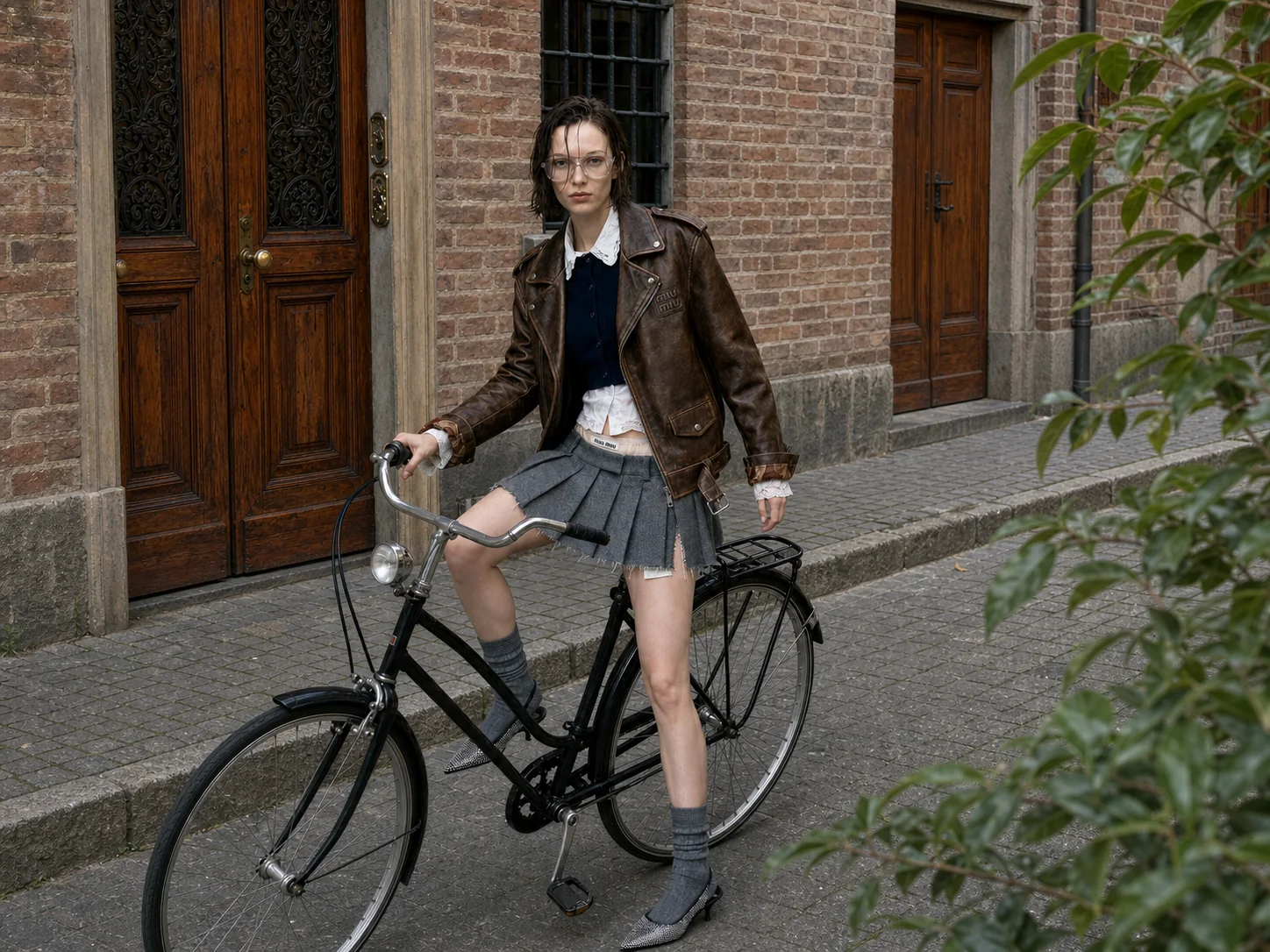
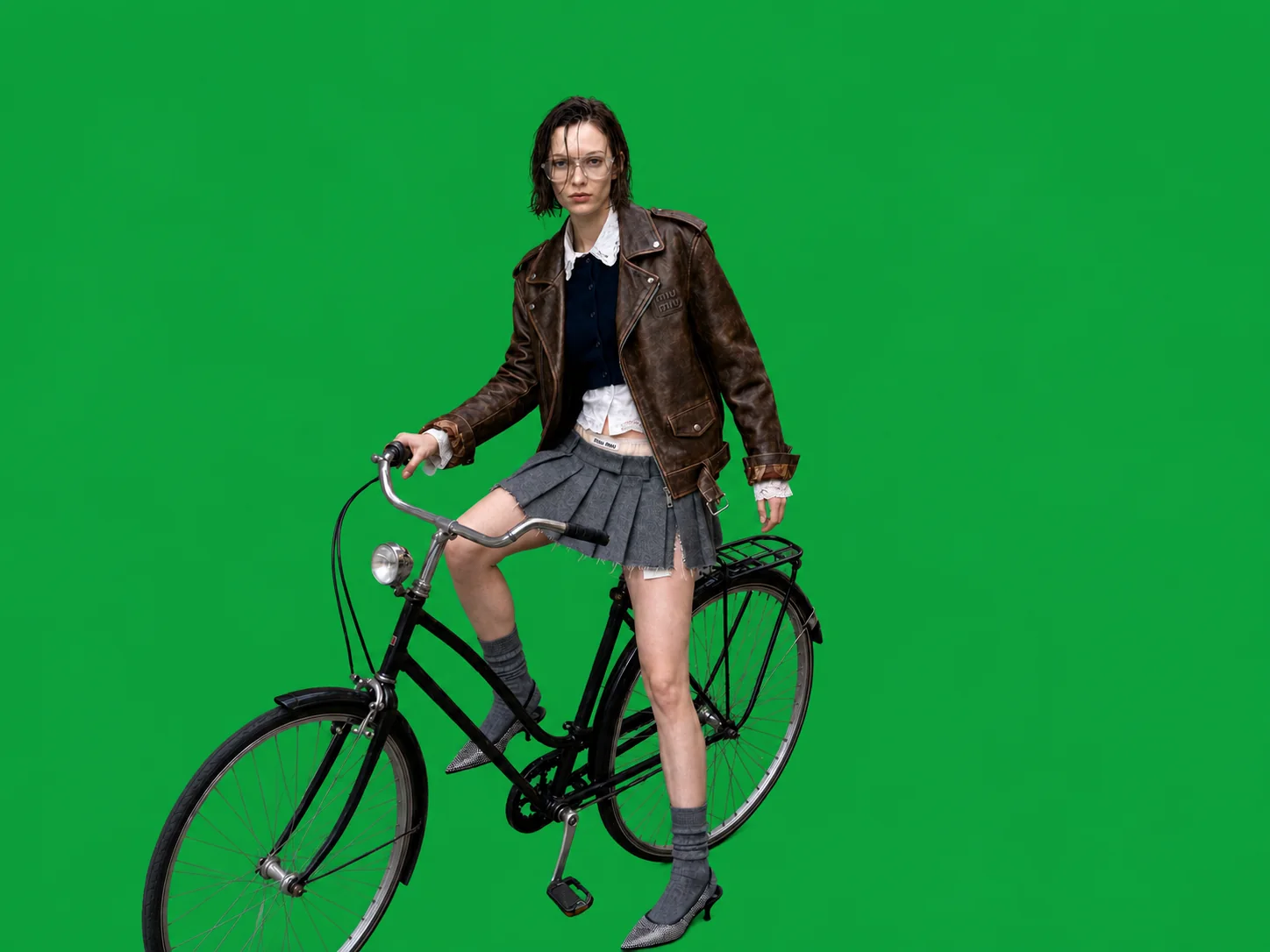
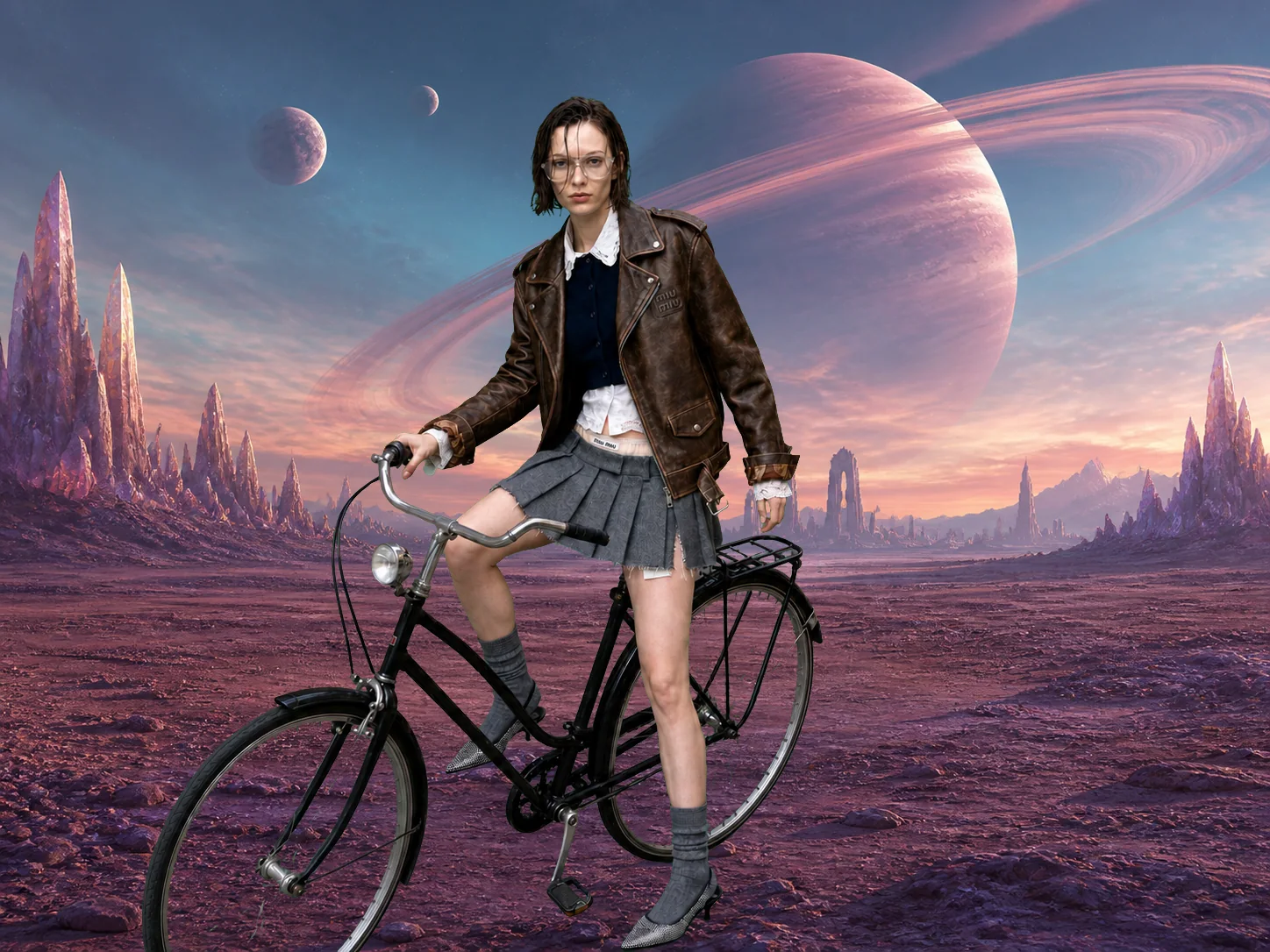
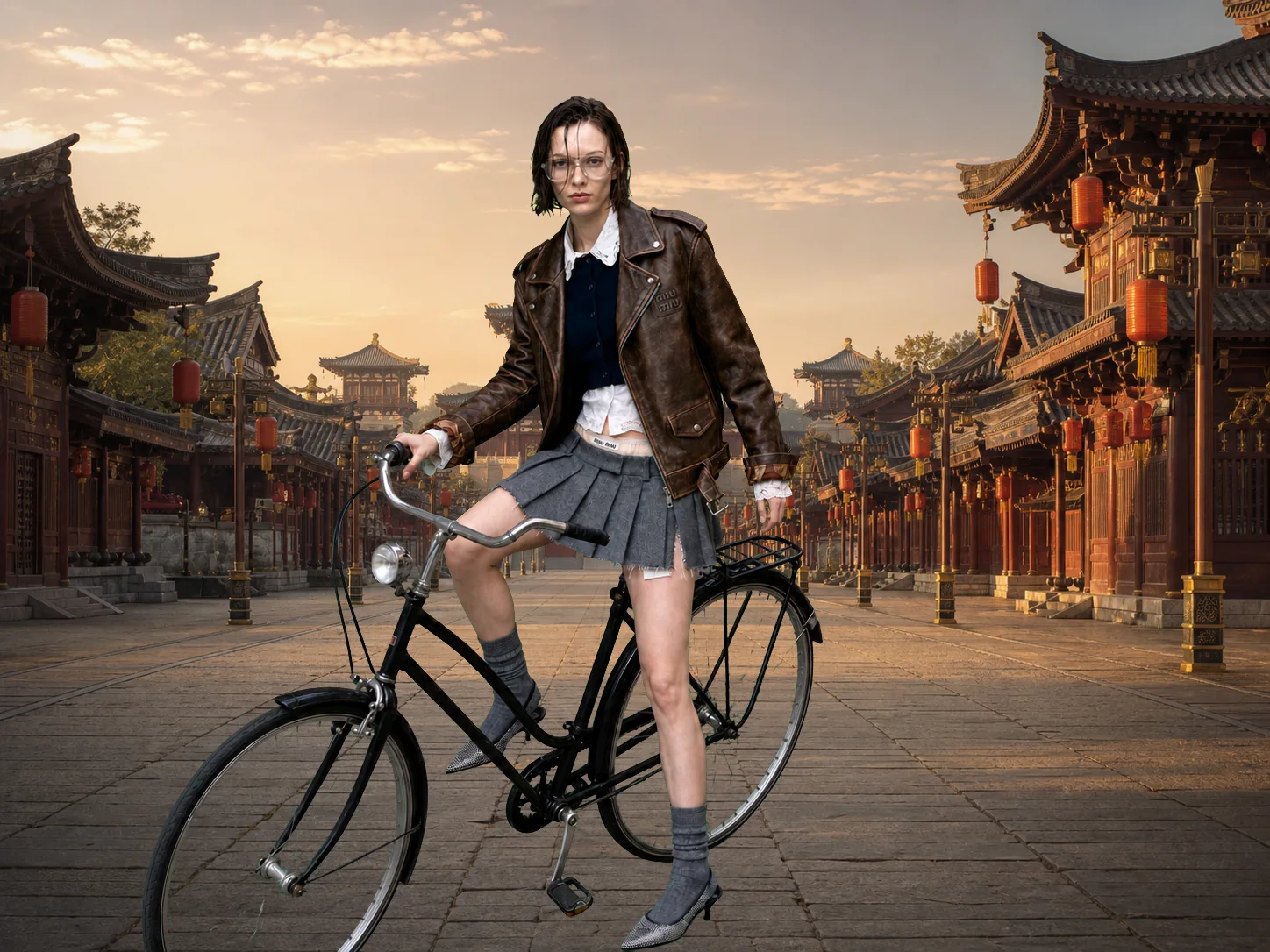
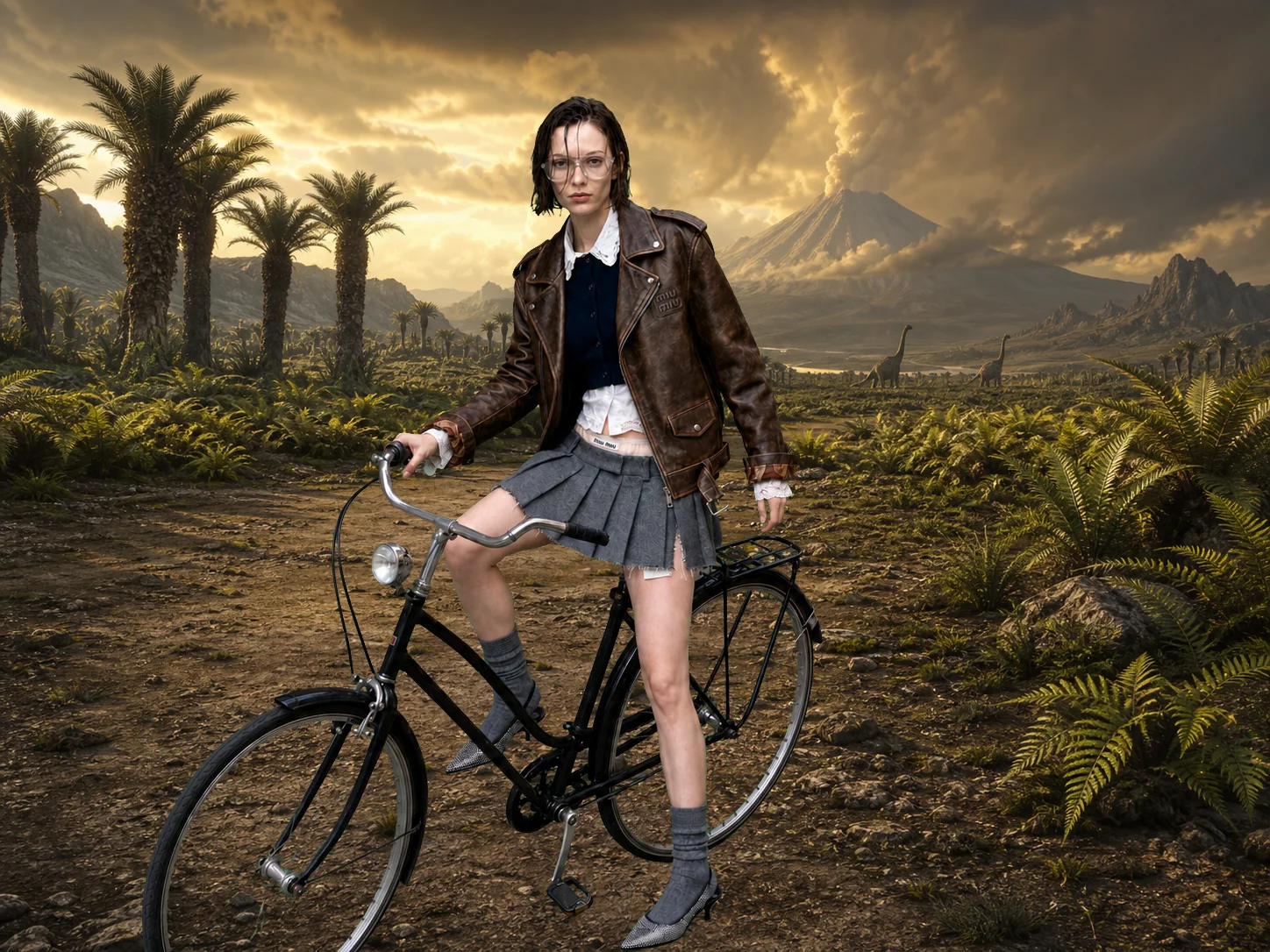
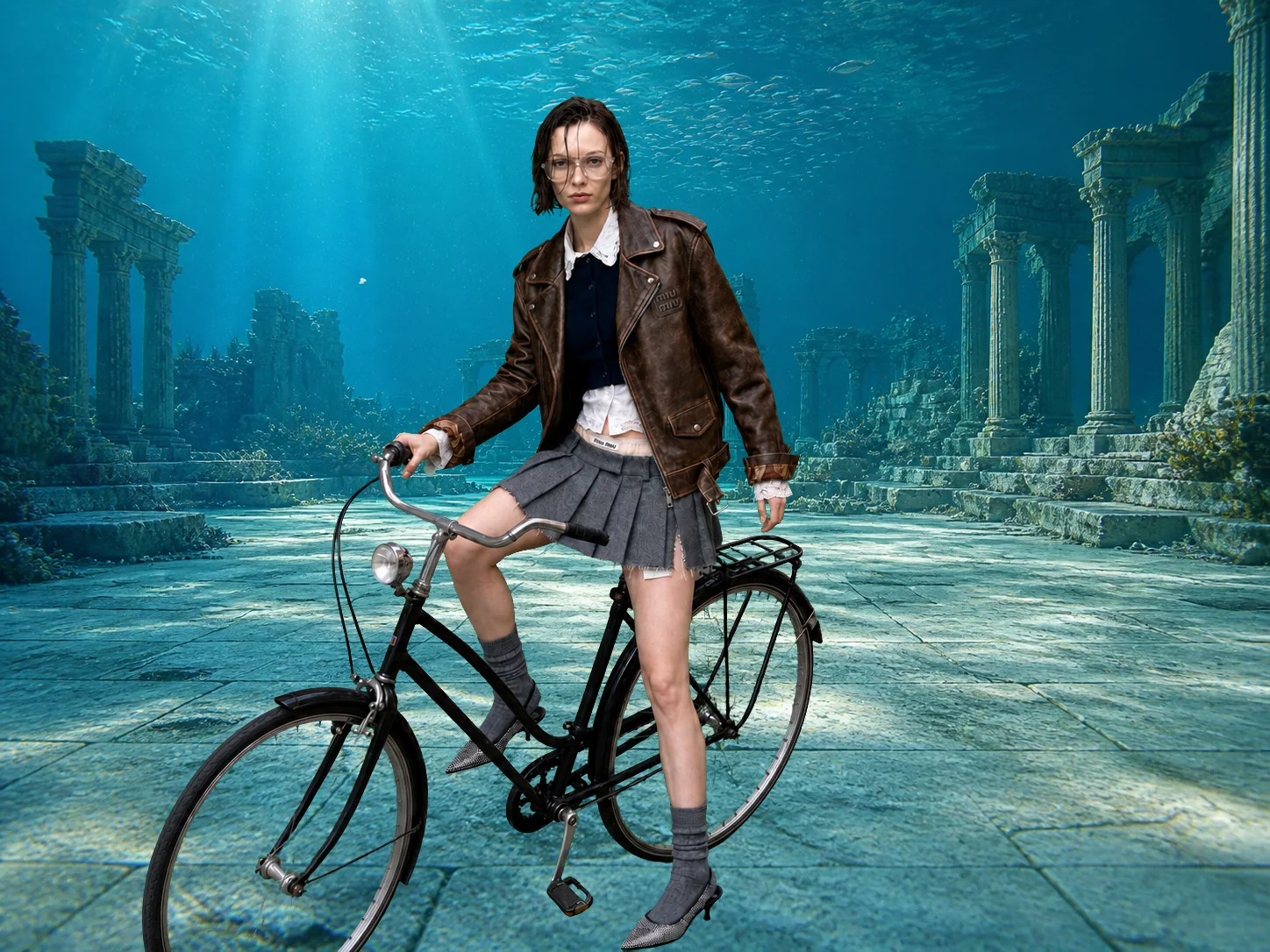
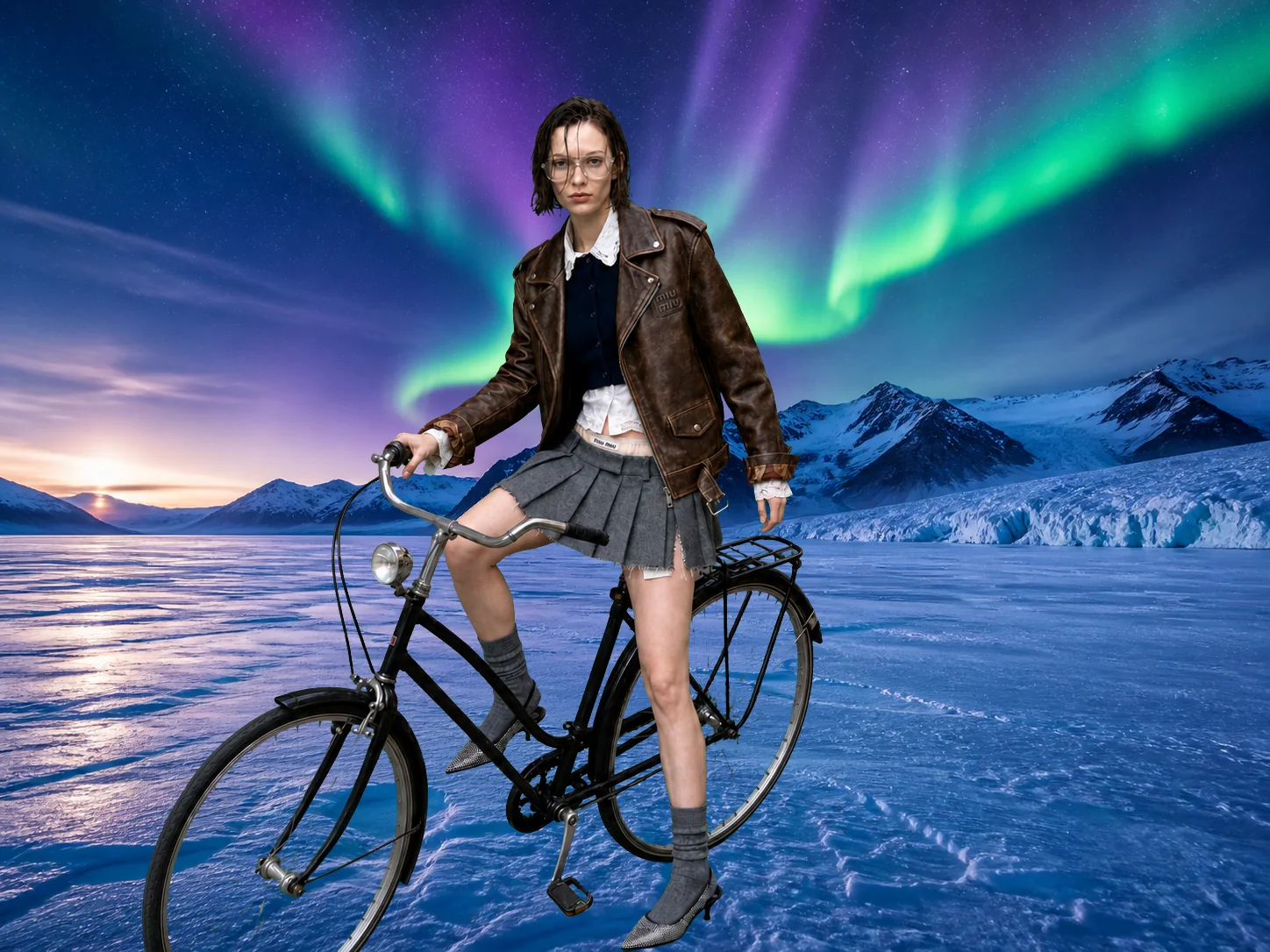
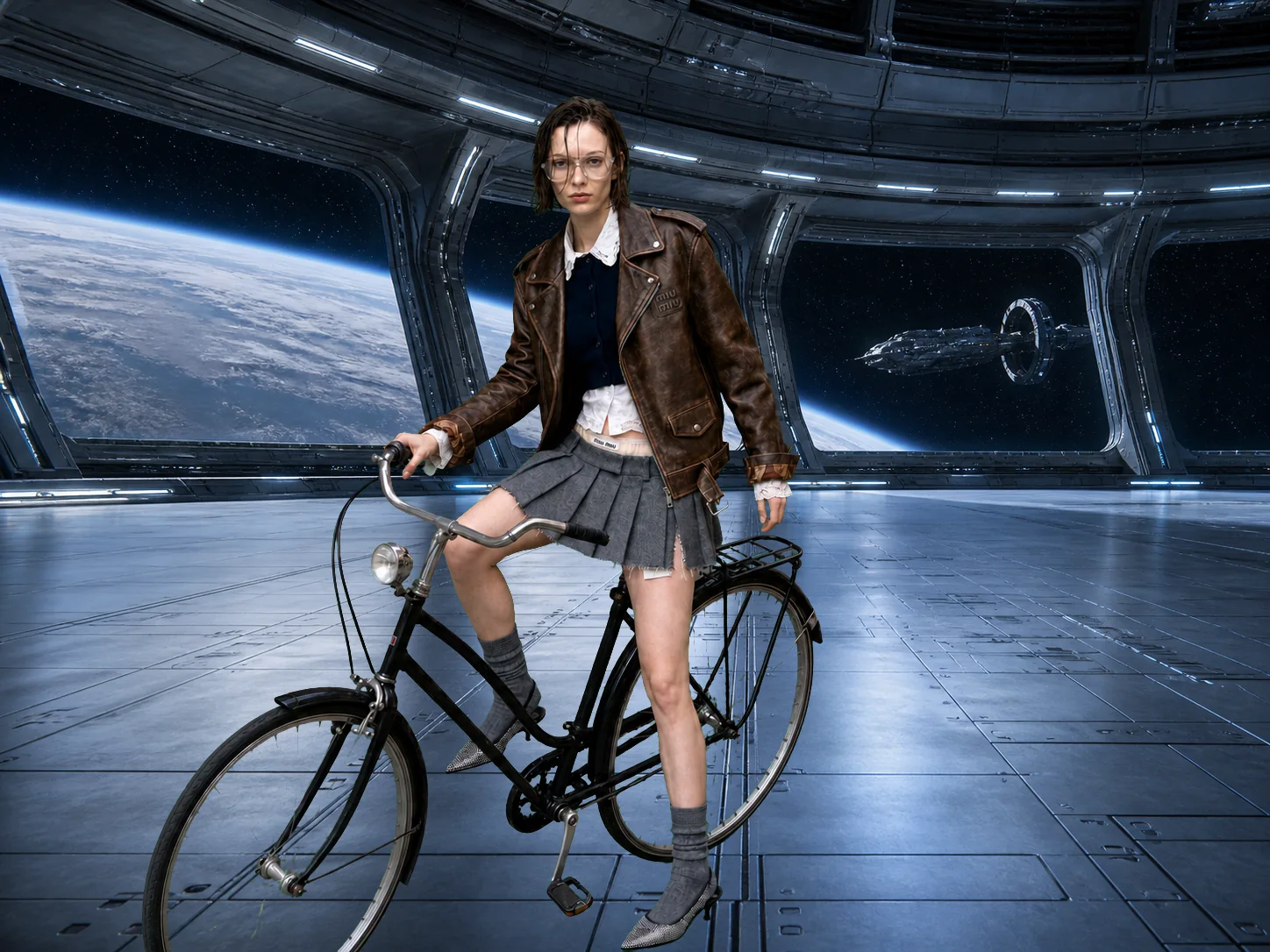
One switch lifts your subject off the background — hair, spokes and all. Then drop in any world you like and they're standing in it.

A woman on a bicycle on a cobbled street in front of a brick building The same frame with the street removed, leaving the rider on a green screen The cyclist standing on a red desert plain under an alien sky The cyclist on the stone avenue of an ancient Chinese capital at sunrise The cyclist in a prehistoric valley with sauropods and a smoking volcano The cyclist among sunken ruins on the sea floor The cyclist under polar aurora on a frozen lake The cyclist inside a space station looking down on Earth

How to remove a background in ChatCut

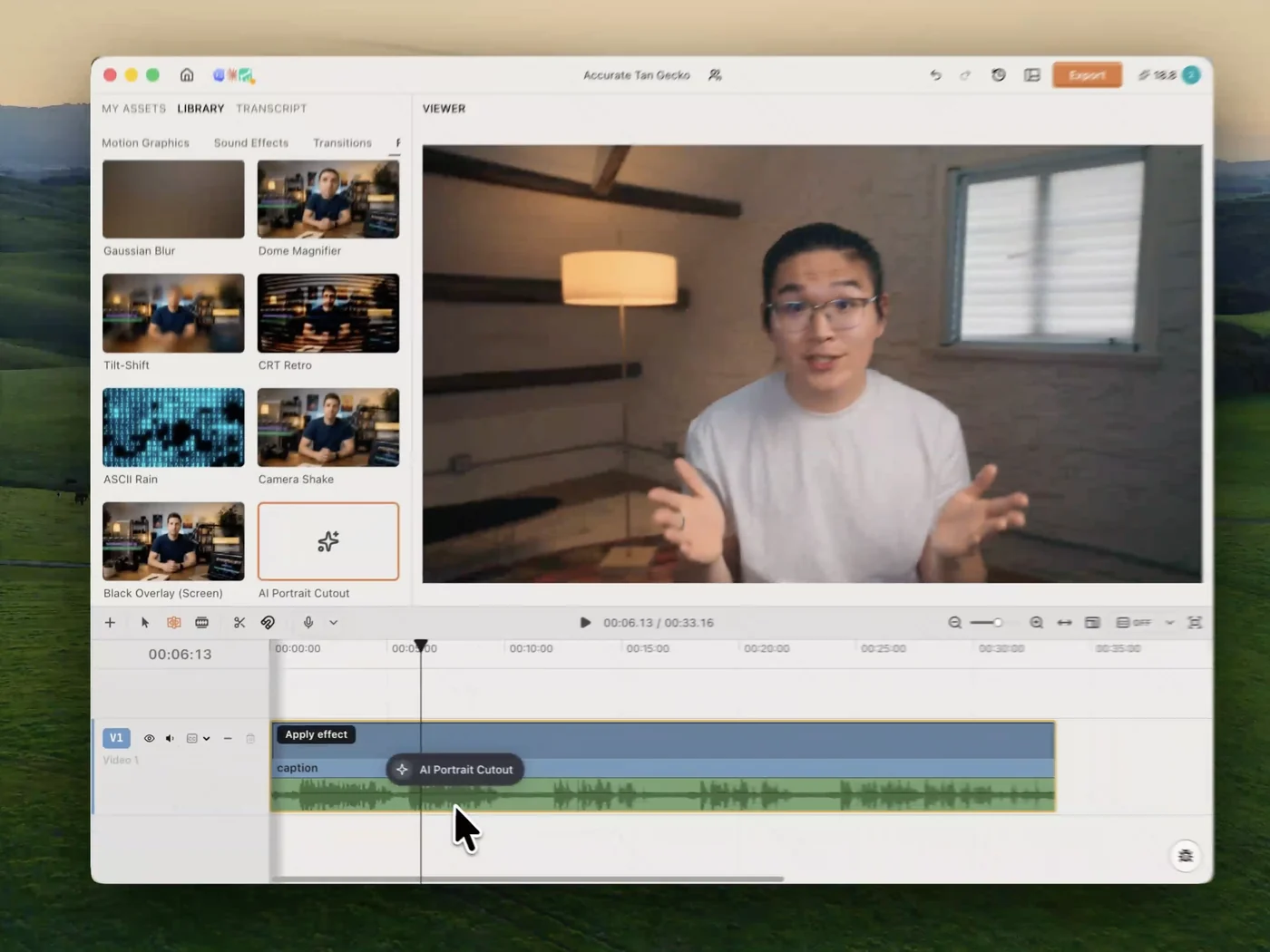
Four steps from raw footage to a new world behind your subject: drop the clip in, cut the background out — by agent or by hand — and put whatever you like in its place.

One-click cutout, straight onto your timeline

One-click cutout,straight onto your timeline

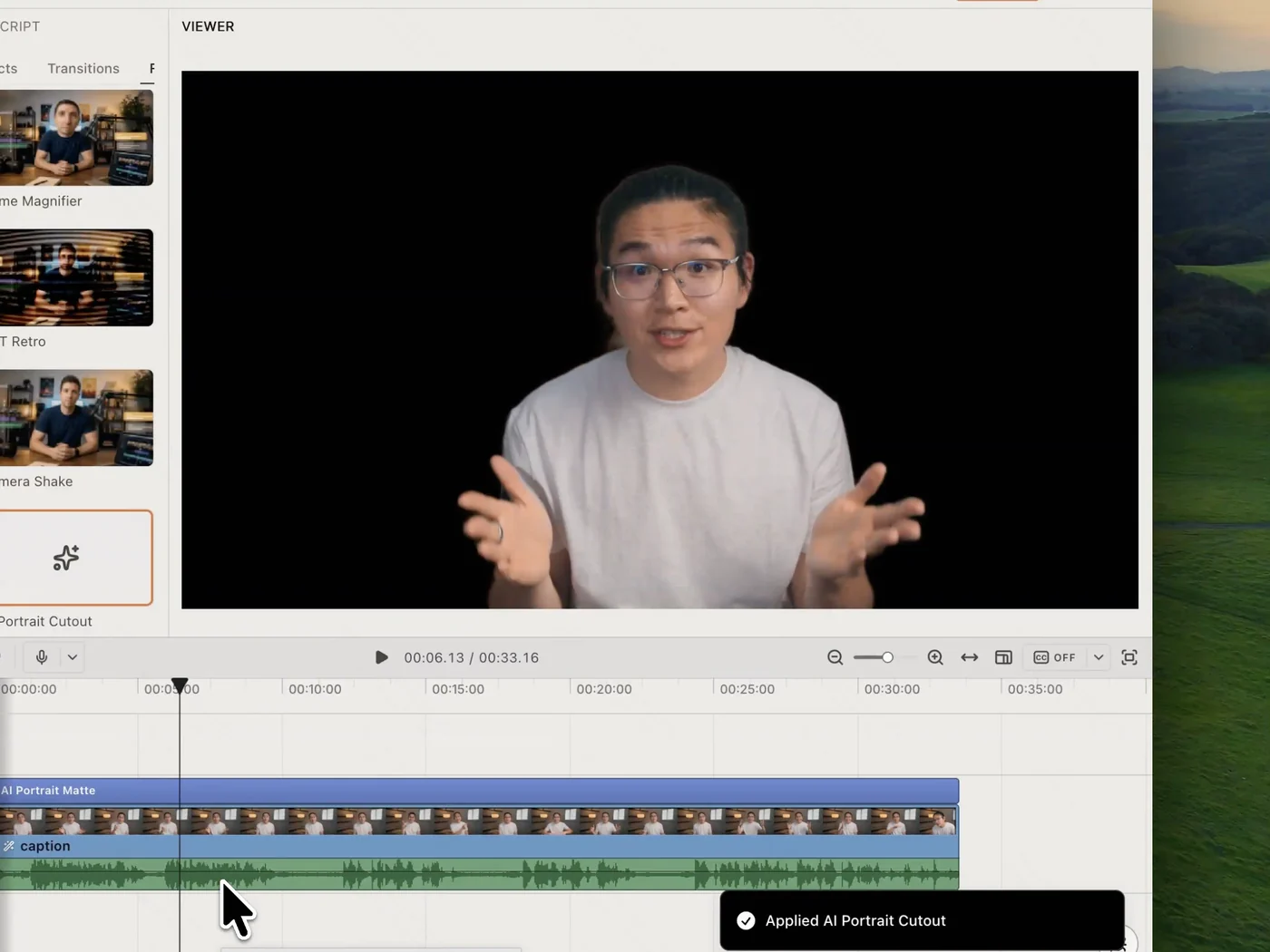
Drop AI Portrait Cutout onto the clip and it applies in place. The matte arrives as its own track, so the cutout is a layer you keep editing — not a fresh export to manage.

No green screen, no frame-by-frame roto

No green screen,no frame-by-frame roto

No green screen to hang, no frame-by-frame roto to sit through. The model reads the footage you already shot and builds an AI-generated transparency matte from it.

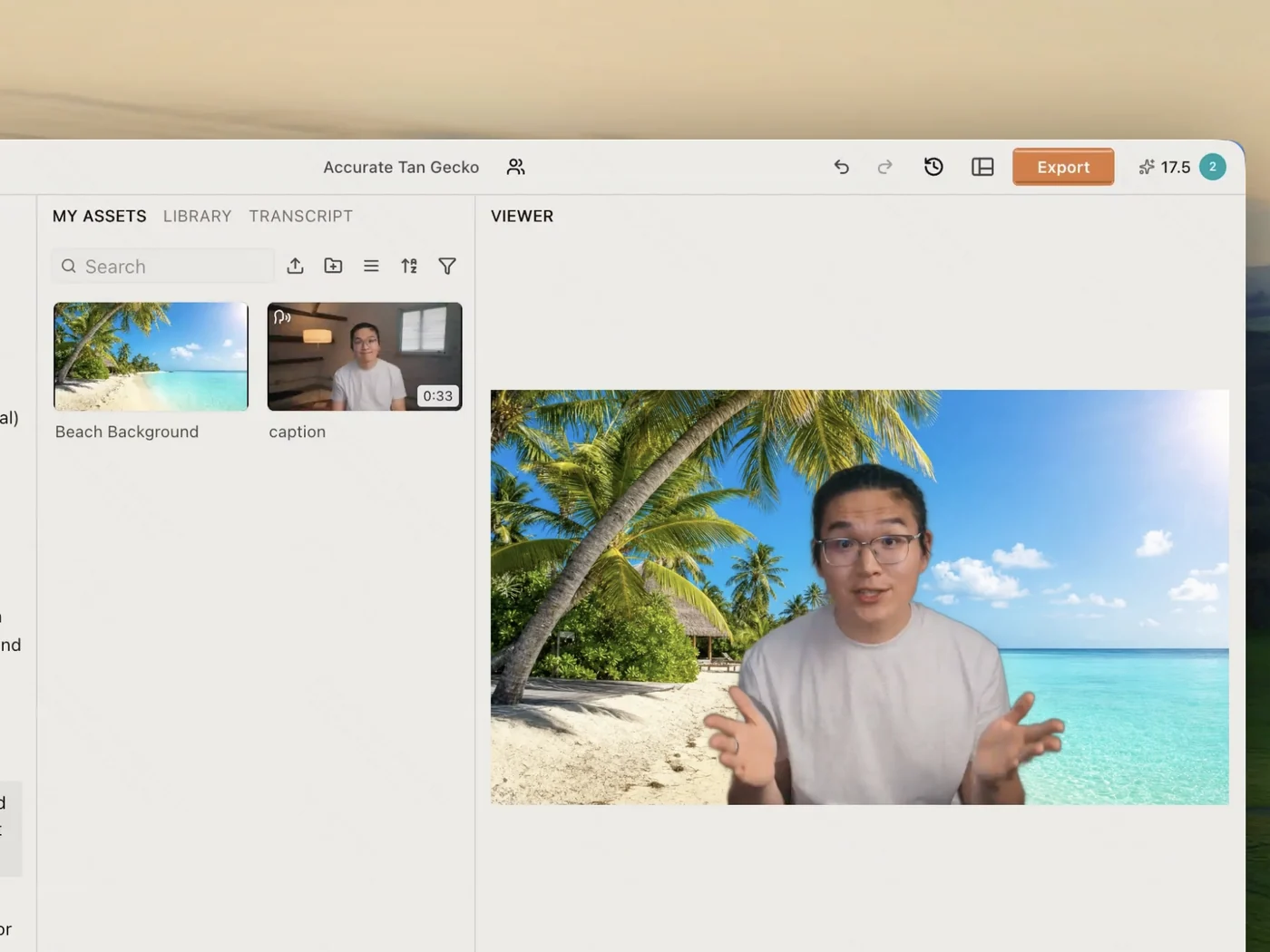
Replace it with anything, an image or a video

Replace it with anything,an image or a video

Bring your own still or clip, or generate one on the spot. Because the cutout is a layer and not a flattened file, whatever you slide underneath simply shows through.

Let AI take any step, or take it yourself

Let AI take any step,or take it yourself

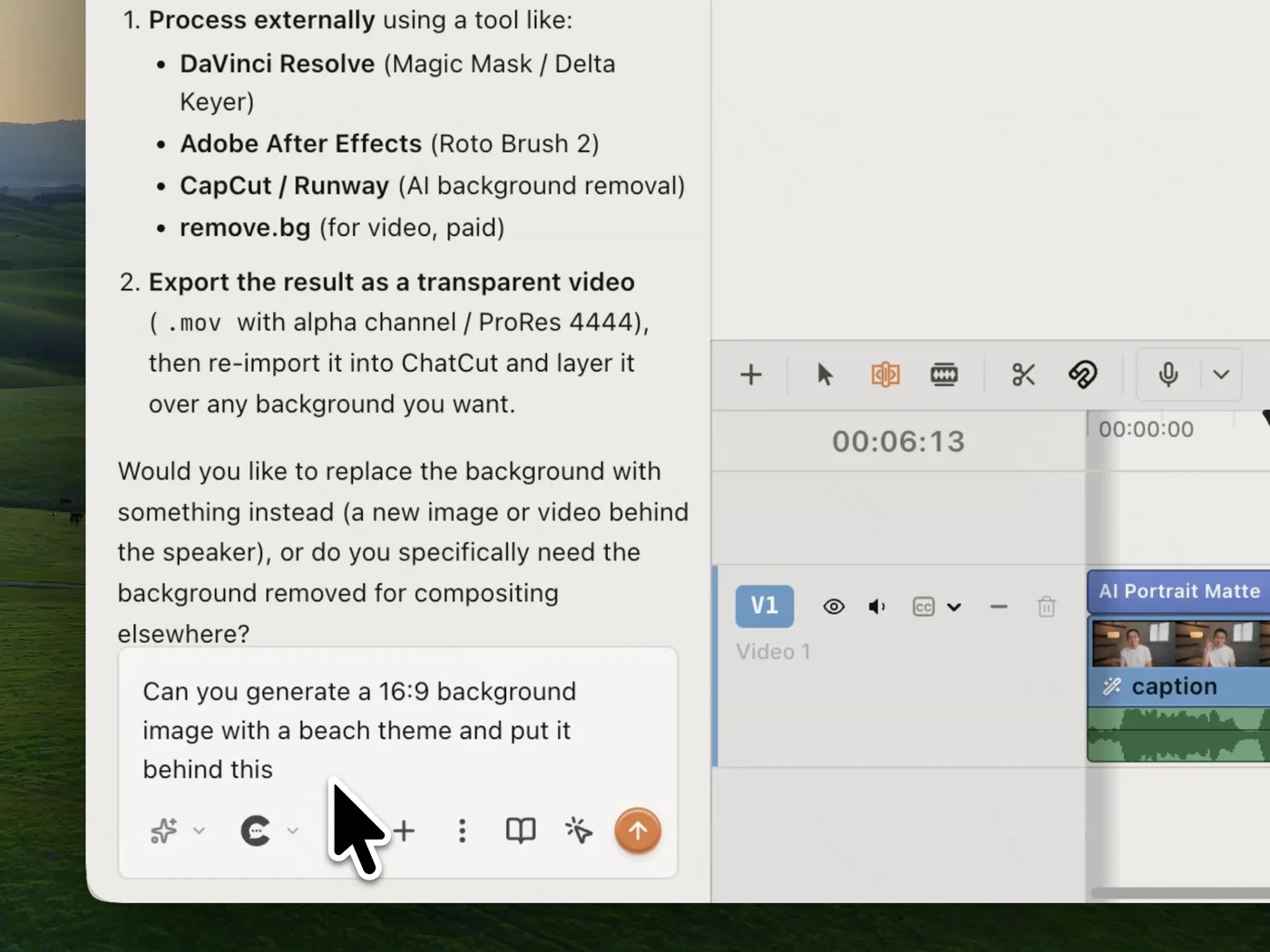
Ask the agent to cut the subject out, generate a backdrop, and place it behind — all in one sentence. Every step is also a normal control, so you can take over at any point.

All your tools,
on one timeline

Cut subjects out, edit on a real multi-track timeline, and caption in 32 languages. Create, edit, and finish a video on desktop, in Codex or any agent, or in the browser.

Check out other features

Background removal is one move of many. The same chat drives the cut, the captions, the graphics, and the mix.

Subscribe to get your superhuman AI video editor

$25 /month

Billed monthly

100 credits / month

Get started
  • Seedance 2.5 (up to 263s of video)
  • Seedance 2.0 (up to 357s of video)
  • Kling 3.0 (up to 166s of video)
  • GPT Image 2 (up to 454 images)
  • Nano Banana 2 (up to 312 images)
  • Motion graphics (up to 500 clips)
  • AI music (up to 555 songs)
  • Motion graphics transparent export
  • All AI agent editing capabilities
$45 $50 /month 10% off

Billed monthly

200 credits / month

Get started
  • Seedance 2.5 (up to 526s of video)
  • Seedance 2.0 (up to 714s of video)
  • Kling 3.0 (up to 333s of video)
  • GPT Image 2 (up to 909 images)
  • Nano Banana 2 (up to 625 images)
  • Motion graphics (up to 1,000 clips)
  • AI music (up to 1,111 songs)
  • Motion graphics transparent export
  • All AI agent editing capabilities
$88 $100 /month 12% off

Billed monthly

400 credits / month

Get started
  • Seedance 2.5 (up to 1,052s of video)
  • Seedance 2.0 (up to 1,428s of video)
  • Kling 3.0 (up to 666s of video)
  • GPT Image 2 (up to 1,818 images)
  • Nano Banana 2 (up to 1,250 images)
  • Motion graphics (up to 2,000 clips)
  • AI music (up to 2,222 songs)
  • Motion graphics transparent export
  • All AI agent editing capabilities
$160 $200 /month 20% off

Billed monthly

800 credits / month

Get started
  • 800 credits / month
  • 1,200 credits / month
  • 2,000 credits / month
  • 3,000 credits / month
  • 4,000 credits / month
  • 5,000 credits / month
  • 7,500 credits / month
  • 10,000 credits / month
  • Seedance 2.5 (up to 2,105s of video)
  • Seedance 2.0 (up to 2,857s of video)
  • Kling 3.0 (up to 1,333s of video)
  • GPT Image 2 (up to 3,636 images)
  • Nano Banana 2 (up to 2,500 images)
  • Motion graphics (up to 4,000 clips)
  • AI music (up to 4,444 songs)
  • Motion graphics transparent export
  • All AI agent editing capabilities

Background removal FAQ

Do I need a green screen to remove the background?
No. Apply AI Portrait Cutout to the clip and the model builds a transparency matte from the footage itself — the same footage you already shot, against whatever wall you shot it on. A green screen is one way to key a shot, not a requirement.
How does it handle hair and fine edges?
The matte is generated per frame rather than tracked by hand, so hair, glasses and thin objects like bicycle spokes hold their edges instead of being clipped to a rough outline. Nothing has to be rotoscoped frame by frame.
Where does the cutout go once it's applied?
It lands as its own track on the timeline, above the clip it came from. That means it is non-destructive: switch it off to get the original shot back, and slide any image or video underneath to composite without re-exporting anything.
Can I generate a new background, or only upload one?
Both. Bring in your own image or clip as the new backdrop, or ask the agent to generate one — say what you want the scene to be and it makes the still and places it behind the subject in the same step.
Can I just ask the agent to do it?
Yes. Ask in plain language — remove the background, put a beach behind me — and the agent does it. Every step it takes is a normal control you can also drive yourself, so you're never locked into the chat.
Is it free, and does it work in the browser?
It's free to start, no card required. ChatCut runs in any modern browser on Mac or Windows with nothing to install, and heavy renders happen in the cloud so your machine isn't tied up.